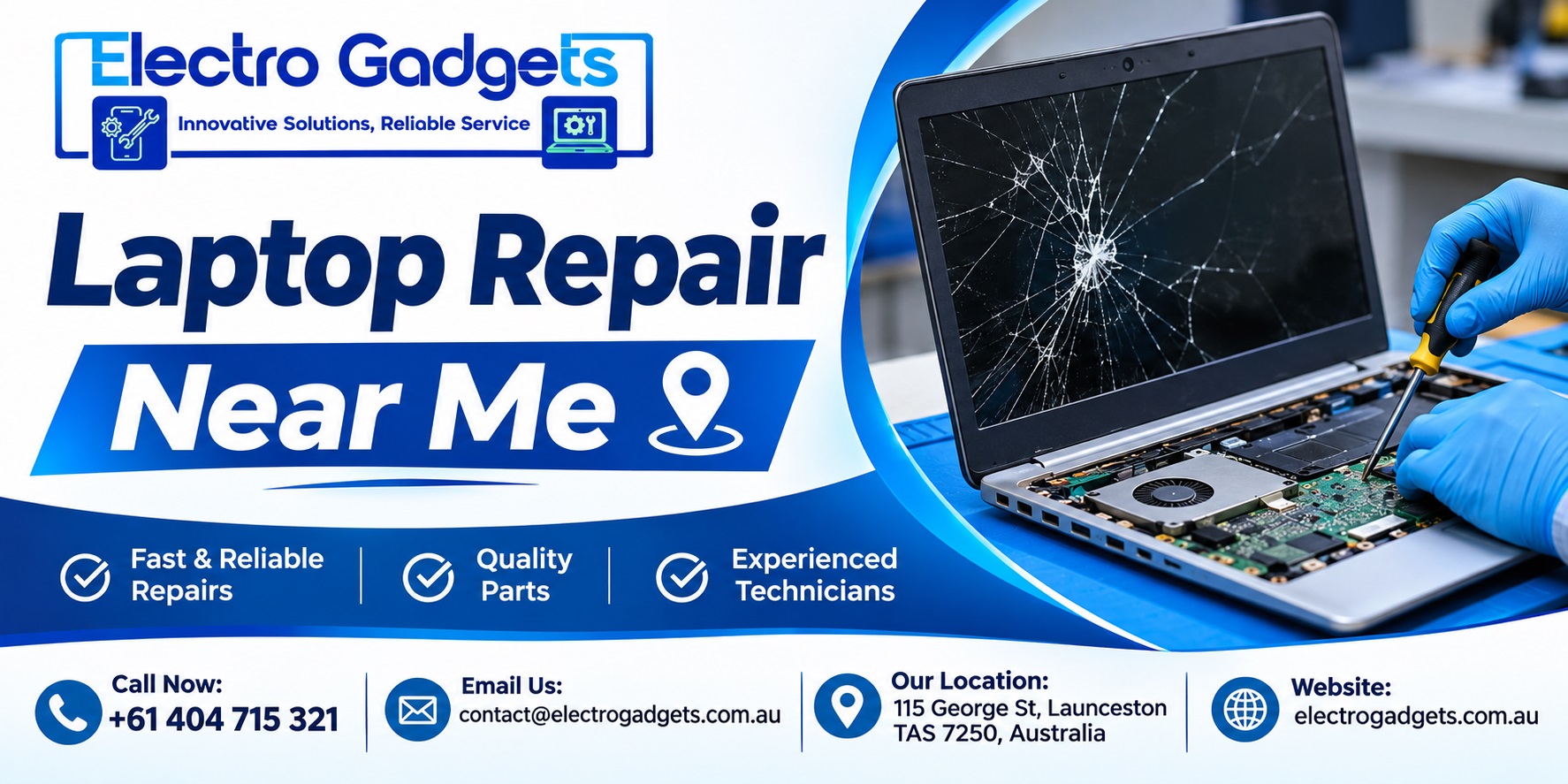
Finding reliable Laptop Repair Near Me becomes important when your laptop suddenly stops working, develops a hardware problem, or starts running much slower than usual. Whether you use your laptop for business, education, remote work, or personal activities, even a minor technical issue can interrupt your daily routine. If you are searching for dependable laptop repair assistance in Launceston, choosing an experienced technician can help you avoid unnecessary expenses and prevent further damage.
A laptop is an essential part of modern life. From attending online meetings and completing university assignments to managing business operations, people depend on their devices every day. However, problems such as cracked screens, battery failures, overheating, keyboard malfunctions, and software errors can occur unexpectedly.
The good news is that many laptop problems can be diagnosed and repaired without replacing the entire device. The key is finding professional Laptop Repair Services Near Me that offer accurate diagnosis, transparent pricing, and practical repair solutions.
In this guide, we will explore common laptop problems, repair options, important considerations when choosing a technician, and how to find Affordable Laptop Repair Near Me in Launceston.
When a laptop develops a technical issue, many people immediately consider purchasing a replacement. However, replacing a laptop can be considerably more expensive than repairing the faulty component.
Professional laptop repair focuses on identifying the actual cause of the problem rather than simply treating its symptoms.
For example, a laptop that shuts down unexpectedly might have:
Replacing the battery without checking the charging system, for example, may not solve the underlying issue.
A qualified Laptop Technician Near Me can inspect the device, identify the likely cause, and recommend whether repair or replacement makes better financial sense.
For residents of Launceston, professional diagnosis is particularly useful when deciding how to handle expensive components such as displays, motherboards, and storage drives.
Laptop problems can develop gradually or appear without warning. Understanding the symptoms can help you decide when professional assistance is necessary.
A damaged laptop screen is one of the most noticeable hardware problems.
You might experience:
In some cases, the issue may involve the display cable, graphics hardware, or screen backlight rather than the panel itself.
If you are searching for Laptop Screen Replacement Near Me, ask the technician to inspect the display and confirm the exact fault before ordering replacement parts.
Practical example: A student accidentally drops a laptop inside a backpack. The device still starts, but the screen displays coloured lines. An external monitor test can help determine whether the problem is limited to the built-in display or involves the graphics system.
A proper diagnosis prevents unnecessary component replacement.
Battery performance naturally decreases over time. However, sudden battery failure, overheating, or charging interruptions may indicate a more serious problem.
Common warning signs include:
When looking for Laptop Battery Replacement Near Me, make sure the replacement battery is compatible with your laptop’s exact model.
Battery swelling requires particular attention. Stop using and charging a laptop with a swollen battery, and do not attempt to press, puncture, or remove it yourself. Arrange professional handling.
A technician should also inspect the charging adapter, charging port, and battery connection before recommending replacement.
A faulty keyboard can make everyday laptop activities frustrating.
Typical keyboard problems include:
Searching for Laptop Keyboard Repair Near Me can help you find assistance when typing becomes difficult or impossible.
However, keyboard problems are not always caused by damaged keys. Software settings, outdated drivers, internal ribbon cables, or liquid damage can also affect keyboard functionality.
Expert tip: If liquid spills onto your keyboard, switch off the laptop immediately, disconnect the charger, and avoid repeatedly pressing the keys. Do not use a hairdryer to dry the device. Internal liquid damage can worsen even when the keyboard initially appears functional.
A professional Laptop Service process should involve more than replacing a damaged component.
Understanding the repair process helps you know what to expect and how to protect your device.
The technician collects information about the symptoms, when the issue started, and whether the laptop experienced any recent drops, liquid spills, software installations, or overheating.
This information helps narrow down possible causes.
Depending on the reported issue, the technician may inspect:
Not every laptop requires every test. The diagnostic process should match the reported symptoms.
Before proceeding, customers should receive information about:
Always approve the repair estimate before allowing additional paid work.
Once approved, the technician performs the necessary repair.
Testing should confirm that the original issue has been addressed. For example, a battery replacement should include charging and power checks, while a screen replacement should include display and brightness testing.
Before collecting your laptop, check that the device starts correctly, the repaired component works, and there are no obvious new issues.
A clear repair process helps customers make informed decisions and reduces misunderstandings.
Finding Affordable Laptop Repair Near Me does not mean choosing the cheapest technician available.
A low quotation may exclude important diagnostic work, use unsuitable replacement components, or offer limited after-repair support.
Instead, compare repair providers based on the overall value they offer.
Consider the following factors:
1. Technical Experience
Look for technicians familiar with different laptop brands and hardware configurations. Experience with your particular model can make diagnosis more efficient.
2. Transparent Pricing
Ask for a breakdown of labour, replacement parts, and additional charges. A reliable repair provider should explain why a particular repair is necessary.
3. Replacement Part Compatibility
Not all replacement components are identical. Ask whether the proposed part is compatible with your device and whether it is new, refurbished, or otherwise sourced.
4. Repair Warranty
Check whether the repair includes a warranty and understand what it covers. Parts and labour may have different warranty conditions.
5. Customer Communication
A good repair experience includes clear updates, realistic turnaround estimates, and explanations that customers can understand.
For people living and working in Launceston, choosing a conveniently located repair provider can also make dropping off and collecting a laptop easier.
Not every laptop problem justifies a repair. Sometimes replacing the device is the more sensible long-term decision.
The right choice depends on the laptop’s age, specifications, condition, repair cost, and intended use.
Repair may be a practical option when:
Consider replacing the laptop when:
Expert advice: Do not judge a laptop only by its age. A well-maintained business laptop with sufficient processing power and memory may remain useful for years. A newer entry-level laptop with damaged internal components may be less economical to repair.
Request a diagnosis and compare the total repair cost with the cost of a suitable replacement before making your decision.
Preventive maintenance can reduce the likelihood of expensive repairs and help extend the useful life of your laptop.
Here are some practical habits worth following.
Overheating can affect battery performance and place additional stress on internal components.
Physical damage is a common cause of screen and internal component failures.
Avoid exposing your laptop to excessive heat. Use a compatible charger and follow the manufacturer’s battery-care recommendations.
Install operating system updates and relevant manufacturer driver updates. These can improve stability, security, and hardware compatibility.
Maintain regular backups of important documents, photographs, and business data.
You can use an external storage drive or a trusted cloud backup service.
Remember that a laptop repair involving storage replacement or operating system recovery may put existing data at risk. Always discuss backup and data recovery requirements before work begins.
Trying to fix a laptop without understanding the underlying problem can sometimes increase repair costs.
Avoid these common mistakes:
Ignoring Early Warning Signs: Unusual fan noise, repeated shutdowns, overheating, and charging interruptions should not be ignored.
Continuing to Use a Damaged Battery: A swollen battery can create a safety risk. Stop using the device and seek professional assistance.
Installing Unknown Repair Software: Unverified applications may introduce malware, unwanted programs, or additional system problems.
Opening the Laptop Without Proper Tools: Modern laptops often use delicate connectors, clips, and compact internal components. Incorrect handling can damage the device.
Choosing a Technician Based Only on Price: A low initial quote does not always represent the best value. Consider component quality, repair standards, communication, and warranty terms.
Failing to Back Up Data: Important files should be backed up whenever possible before a repair involving storage, software recovery, or motherboard replacement.
Before taking your laptop to a repair centre in Launceston, follow this checklist.
If your laptop contains confidential business documents, customer information, or financial records, ask about the provider’s data-handling procedures.
You should also avoid sharing your account passwords unnecessarily. If a repair genuinely requires access to the operating system, discuss an appropriate and secure testing arrangement.
When your laptop stops working, finding a dependable local repair provider can save time and help you make a more informed decision.
For residents and businesses in Launceston, Electro Gadgets provides a local point of contact for enquiries about laptop and computer repair requirements.
Before arranging a repair, contact the business to discuss your laptop model, the symptoms, and the type of assistance required. Ask about inspection arrangements, repair availability, pricing, and estimated turnaround time.
Whether you are experiencing display problems, charging difficulties, keyboard issues, or general computer performance concerns, a proper assessment is the first step towards finding the right solution.
Laptop repair costs in Launceston depend on the type of fault, laptop model, replacement part availability, and labour involved.
For example, a software-related issue may require less work than replacing a damaged display or repairing a motherboard.
Battery replacements, keyboard repairs, charging-port problems, and screen replacements also have different pricing requirements.
The best approach is to provide the technician with your laptop’s exact model and a description of the symptoms. Request a diagnosis and itemised quotation before approving the repair. This helps you understand the actual cost rather than relying on a general online estimate.
Start by looking for local repair providers with relevant technical experience, transparent pricing, and clear communication.
Check whether the technician has experience with your laptop brand and model. Ask about diagnostic procedures, replacement component quality, estimated repair time, and warranty coverage.
Customer reviews can provide additional insight, but pay attention to specific feedback about communication, repair quality, and after-service support rather than relying only on star ratings.
A trustworthy technician should explain the problem and available solutions without pressuring you into unnecessary replacements.
In many situations, replacing a damaged laptop screen is more economical than purchasing an entirely new device.
If the laptop’s processor, memory, storage, and motherboard are functioning properly, a screen replacement may restore its usability at a lower overall cost.
However, the decision depends on the laptop’s age, screen availability, replacement cost, and overall condition.
Before proceeding, ask for a complete quotation and compare it with the price of a replacement laptop offering similar specifications.
Repair times vary depending on the complexity of the issue and the availability of compatible components.
Some software troubleshooting and straightforward repairs may be completed relatively quickly. However, screen replacements, motherboard repairs, liquid-damage assessments, and special-order components may require additional time.
A technician should provide an estimated turnaround time after inspecting the device.
If you need your laptop for work or education, explain your deadline when requesting assistance. This allows the repair provider to advise whether the expected timeframe is suitable.
Yes. Backing up important data is strongly recommended before handing over a laptop for repair.
Although many hardware repairs do not require deleting personal files, repairs involving storage drives, operating system recovery, or motherboard replacement can create data-loss risks.
If your laptop still works, copy important documents, photographs, and other files to an external drive or trusted cloud storage.
If the laptop does not start, avoid repeatedly attempting risky fixes. Ask the technician whether the storage drive can be assessed separately and whether data recovery is possible.
Never assume that your files will automatically be preserved during every repair.
A laptop problem does not always mean you need to purchase a new device. Many common issues, including damaged displays, battery failures, keyboard malfunctions, charging problems, and software errors, can be resolved through appropriate professional repair.
When searching for Laptop Repair Near Me, focus on accurate diagnosis, transparent pricing, compatible replacement components, and reliable after-repair support rather than simply choosing the lowest quotation.
For residents and businesses in Launceston, taking the time to compare repair options can help protect your investment and keep your laptop working reliably.
If your laptop is experiencing technical difficulties, contact Electro Gadgets at +61 404 715 321 or [email protected] to discuss your repair requirements and available assistance.
A well-informed repair decision can save money, reduce unnecessary electronic waste, and help you get back to work with confidence.